Your PMs run their jobs. Your margins stay yours.
Admin, office, project manager — and roles you define. Access is set per area: who can see leads, money, reporting; who can edit and who can only view. Every teammate gets their own morning digest and their own day on the phone.
7 days free. $250 a month after, whole company. Cancel any time.
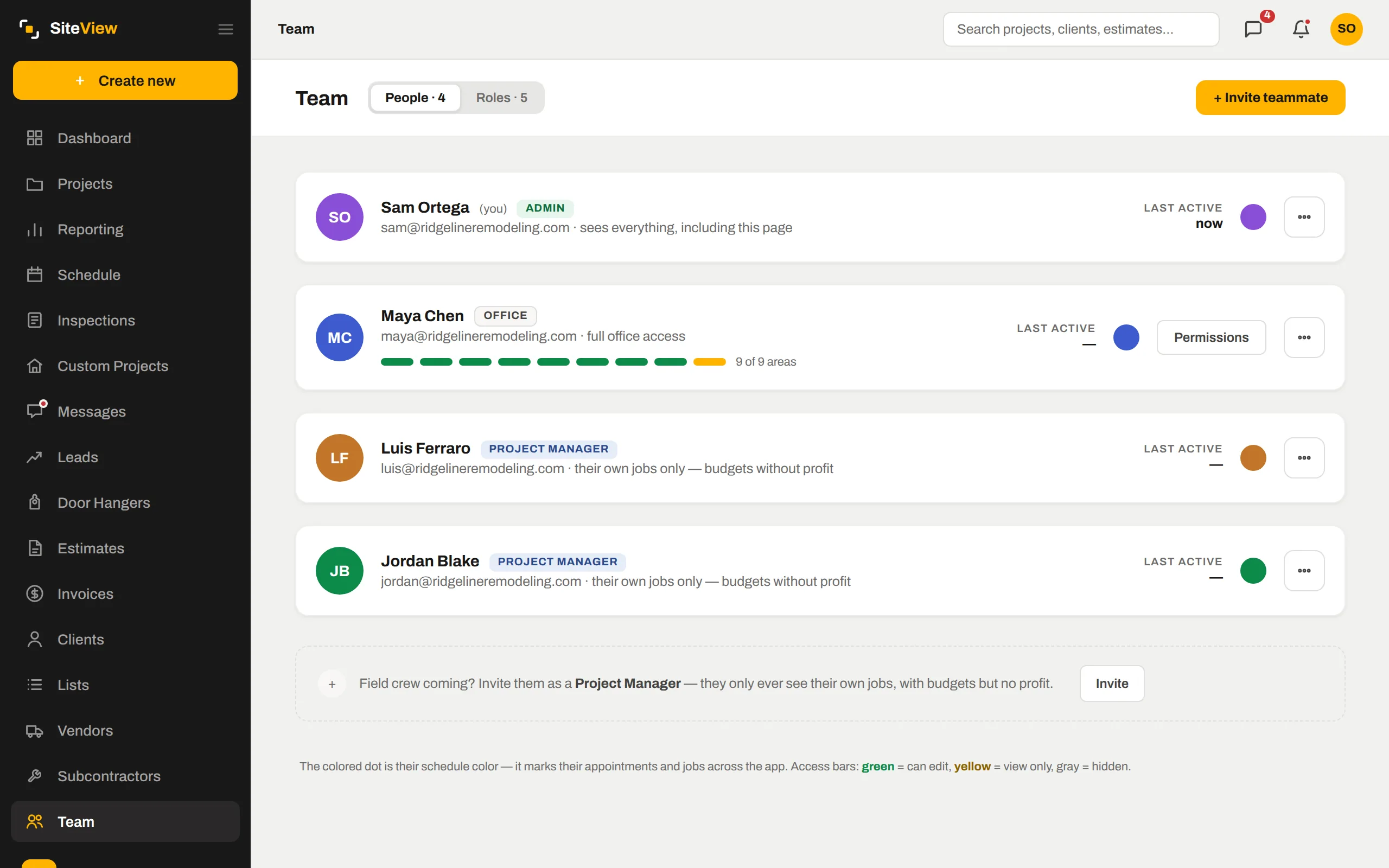
Per role, per area: none, view or edit.
A project manager sees their own jobs, budgets without profit, and their schedule. The office sees everything but company settings. Make your own role — "field lead", "bookkeeper" — and set each of nine areas separately. Colour-coded bars show the access at a glance.
- Financials hidden from whoever should not see them
- Per-job access: a PM sees only jobs with their name on them
- Tags and areas for finer control
Their day, in their inbox, before they leave the house.
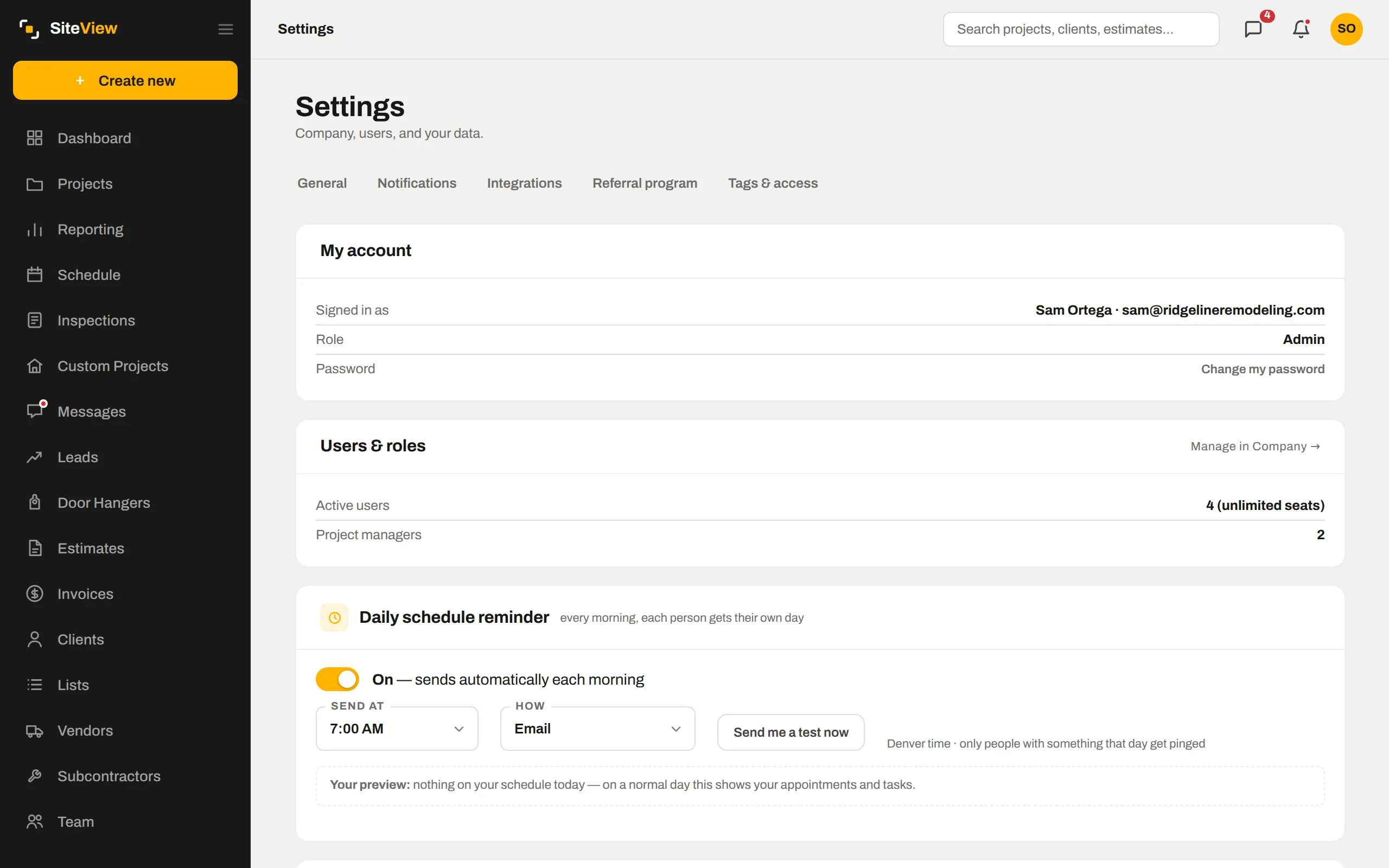
At 7 AM each teammate gets one email: their visits, the tasks on their jobs today, follow-ups due, and anything overdue on jobs they own — only theirs. Owners get the budget warnings and late invoices on top. Time-sensitive things — a new lead, a signed estimate — come as a text the moment they happen.
- Per person: what to get by text, what by email, what to hold for the digest
- Quiet hours — nothing buzzes at 10 PM
- One notification per enquiry, never one per platform message
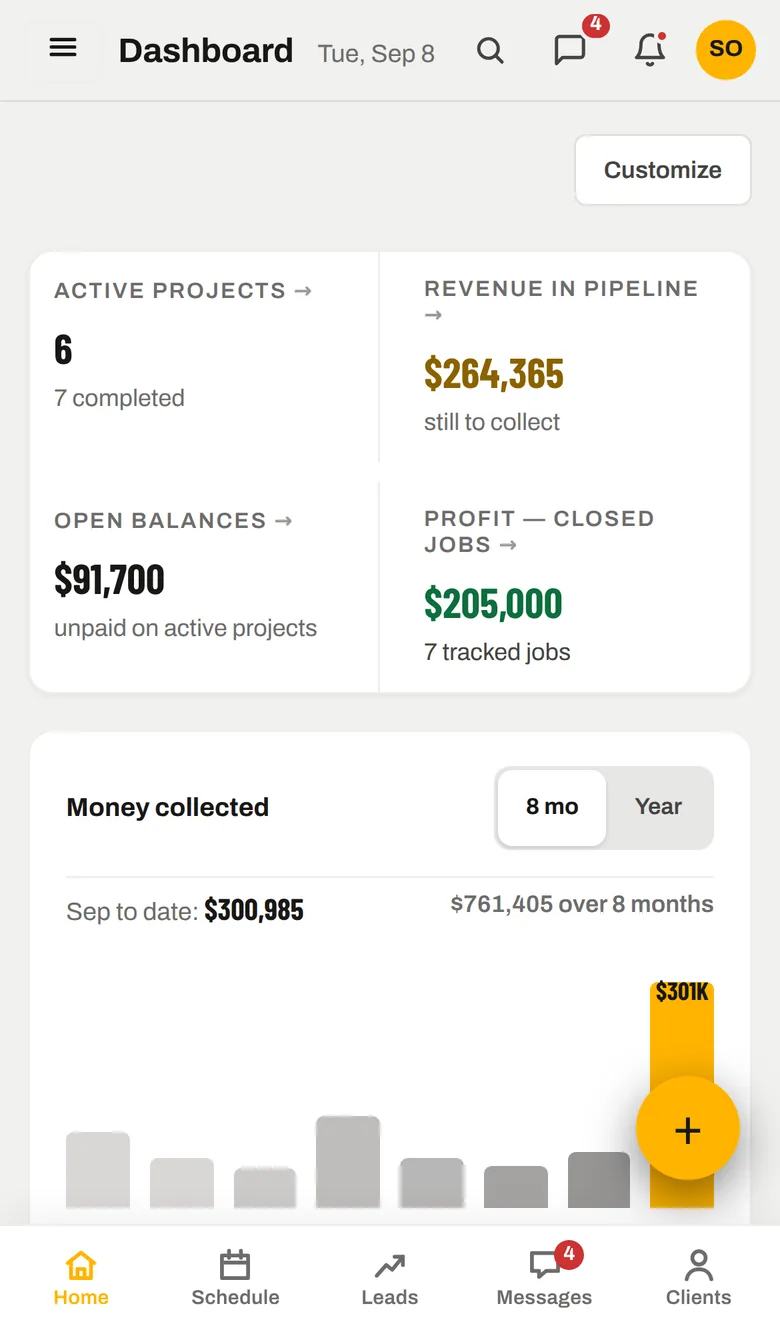
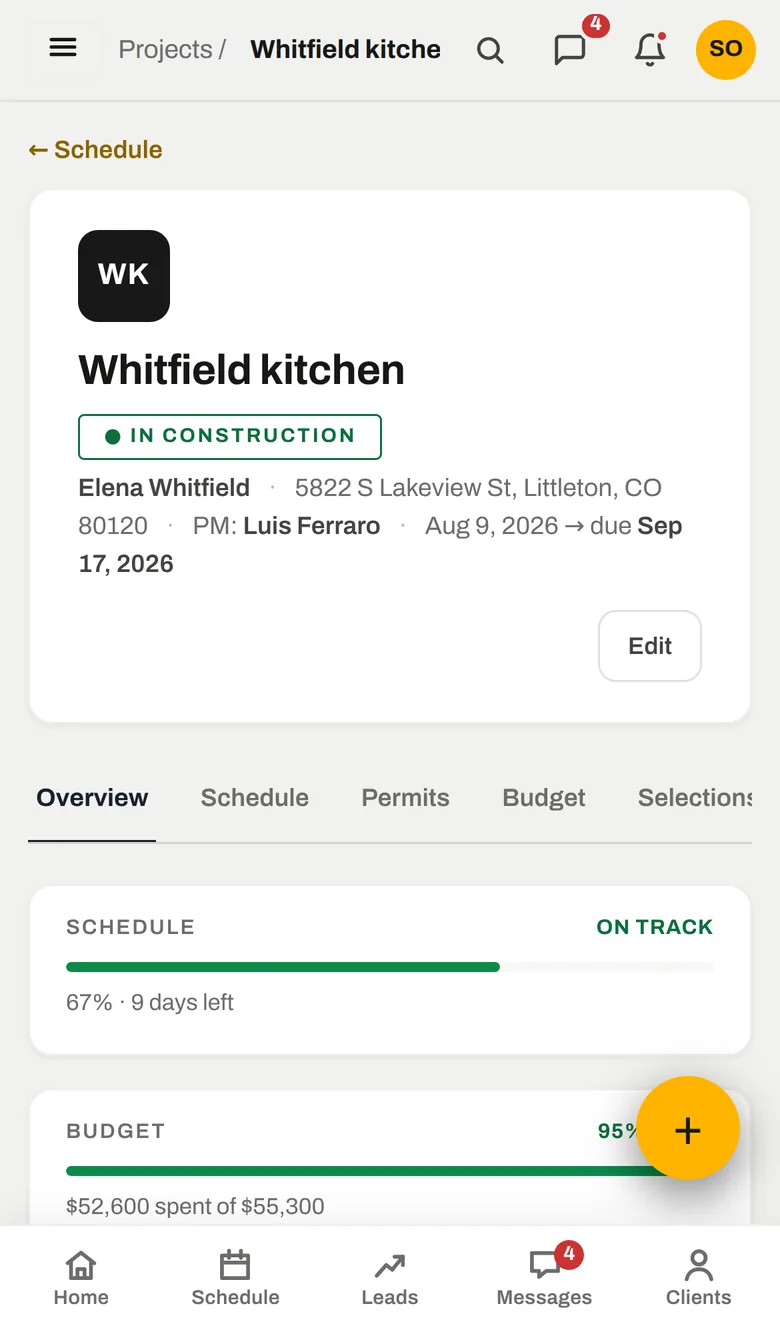
Installs like an app. Works with one bar.
Add SiteView to the home screen on iPhone or Android and it opens like an app — same account, same data. It keeps the last state on the phone, so a job site with one bar of signal still opens instantly; a save with no signal says so instead of quietly failing.
- Dashboard, schedule, leads, messages and clients built for a thumb
- Photos from the phone camera straight onto the job
- Always the newest version — the app updates itself
The same record, further along.
Nothing here is a separate module with its own copy of the data. Team, roles & mobile is one view of the job; these are the next ones.
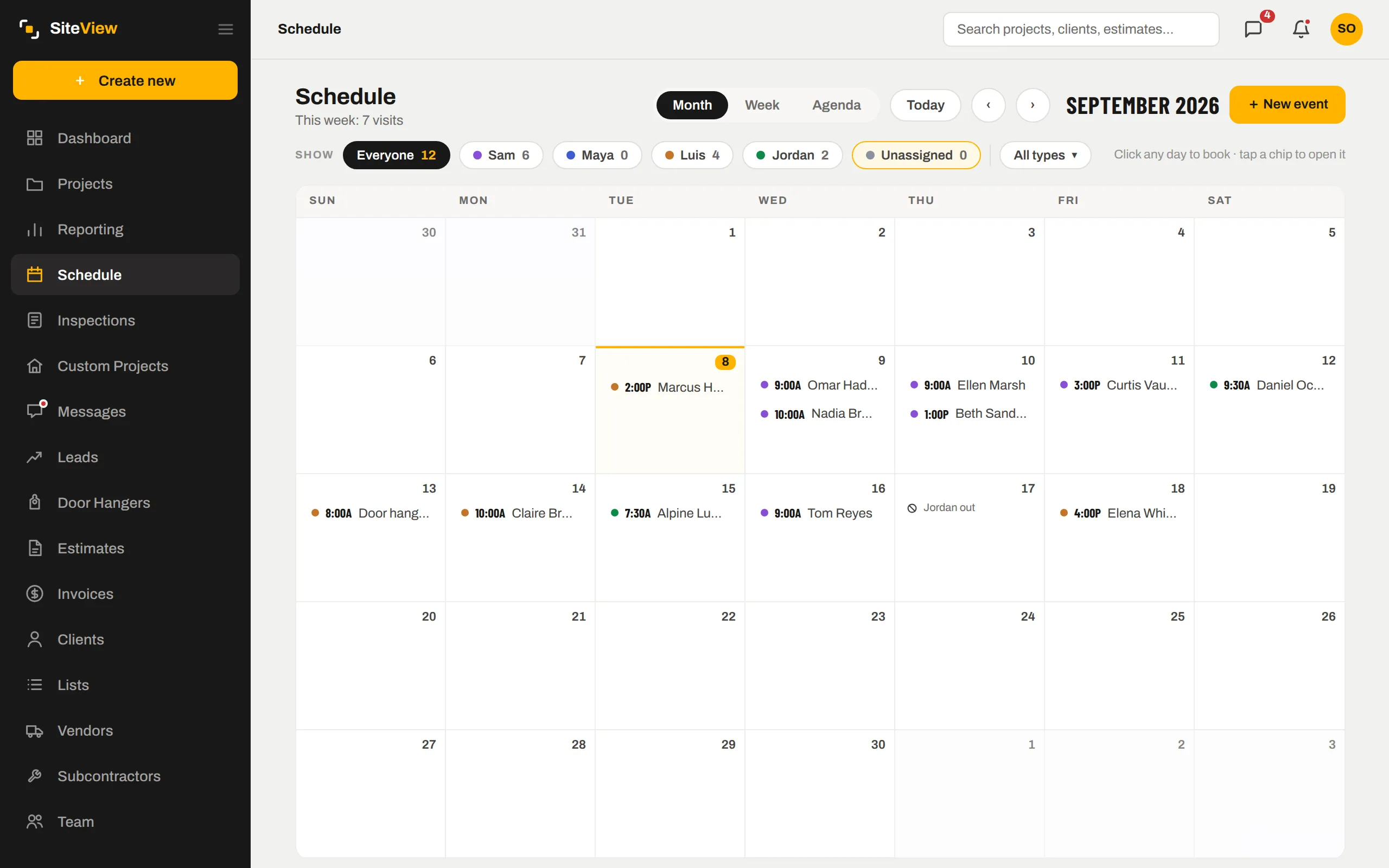
Each teammate's colour on the calendar, each teammate's own day on the phone.
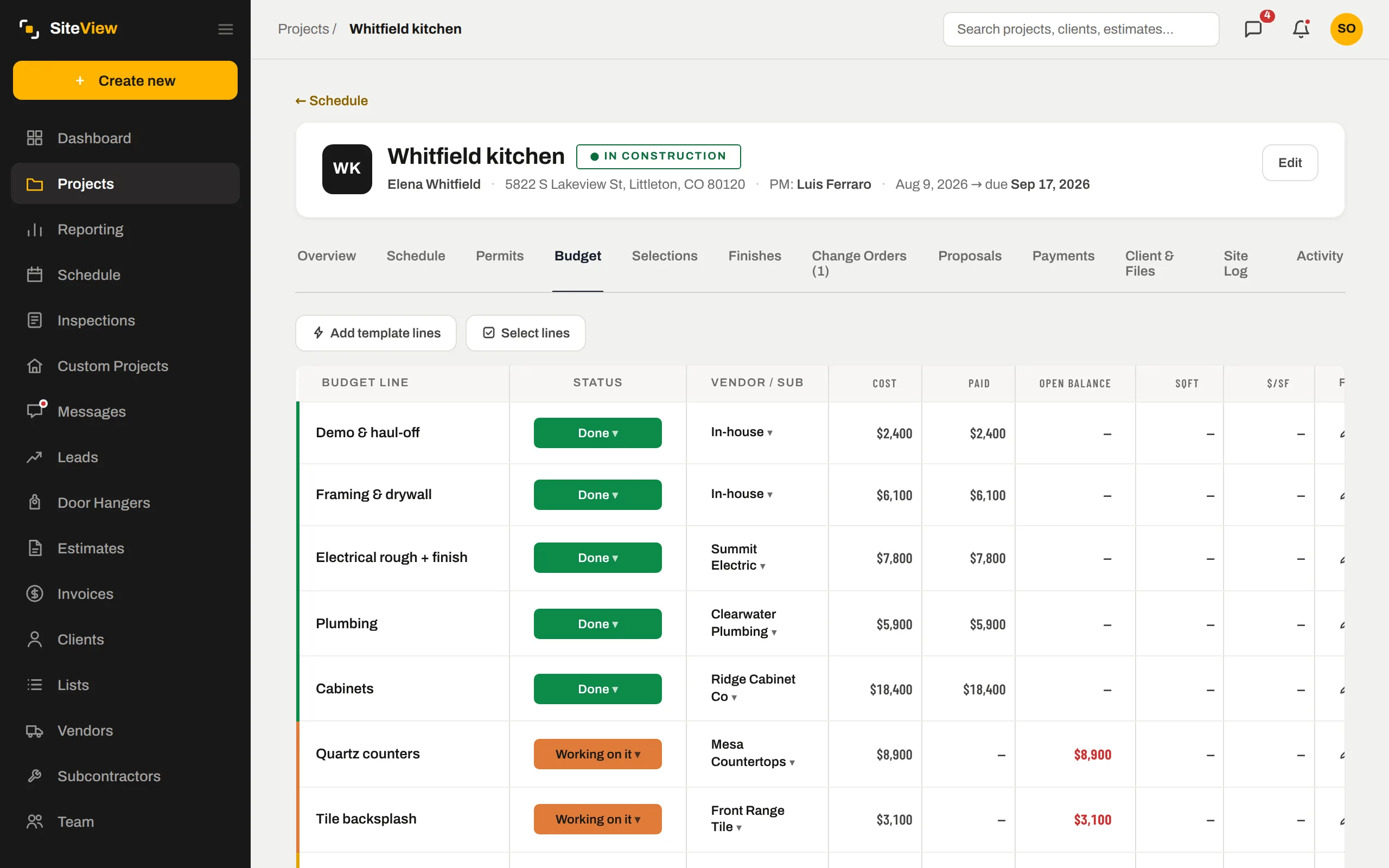
PMs watch their jobs against budget without ever seeing company margin.
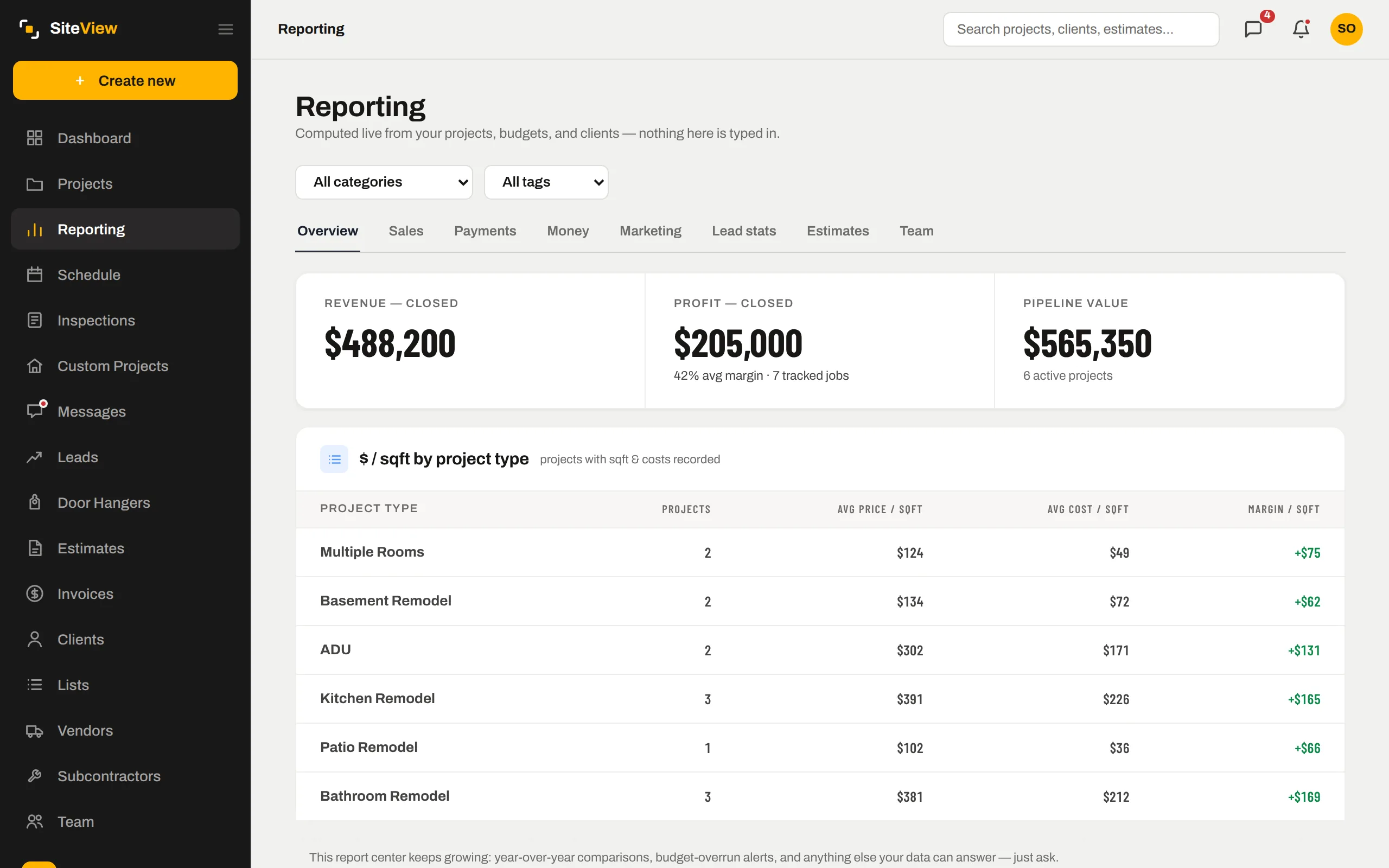
Team reporting shows who is carrying what.
Straight answers.
Is there a per-user charge?+
Is there an app in the App Store?+
Can a sub have a login?+
Put one of your own jobs through it.
Free for 7 days. We set the company up with you, load the first job together, and you judge it with your numbers — not a demo's.
7 days free. Card on file, nothing charged until day 8. $250 a month after — cancel any time.