Estimates they can sign from the truck.
Build it from your own line items and markup, send a link. The homeowner reads it on their phone, asks a question, and signs it there. The signature is what starts the job — no printing, no scanning, no chasing.
7 days free. $250 a month after, whole company. Cancel any time.
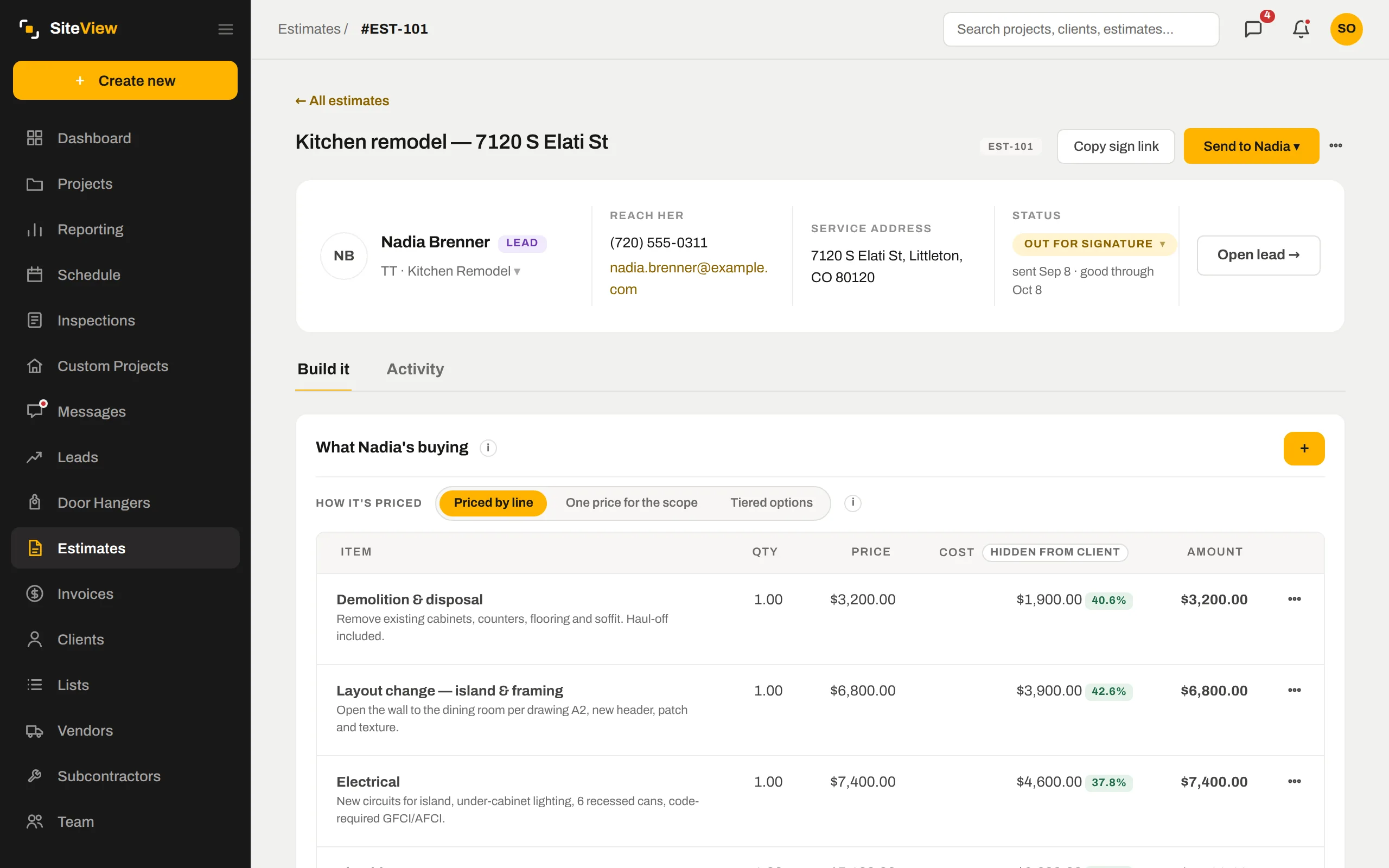

Your lines, your markup, your margin — hidden from the client.
Each line carries a price and a cost. You see the margin per line while you build; the homeowner sees a clean scope with prices. Price by line, one price for the whole scope, or tiered options — Good, Better, Best — on one link.
- Project management fee and markup applied the way you set them
- Templates for the estimates you send every week
- Versions — every send is kept, so you can always see what they were shown
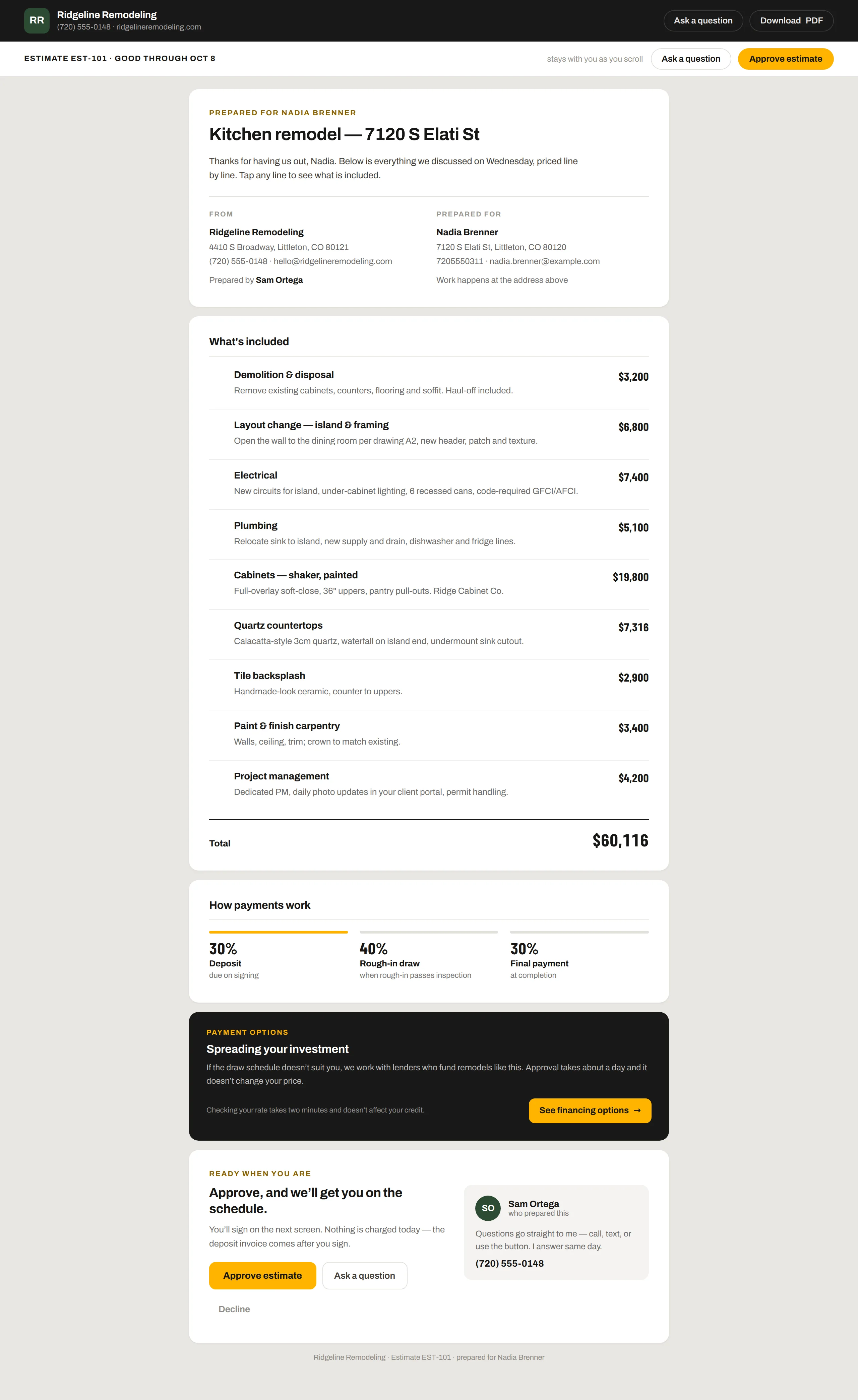
A link they can read on a phone.
No PDF attachment. The estimate is a page: scope line by line, what is included, how payments work, financing if you offer it, and a big Approve button. You know the moment they open it, and how many times.
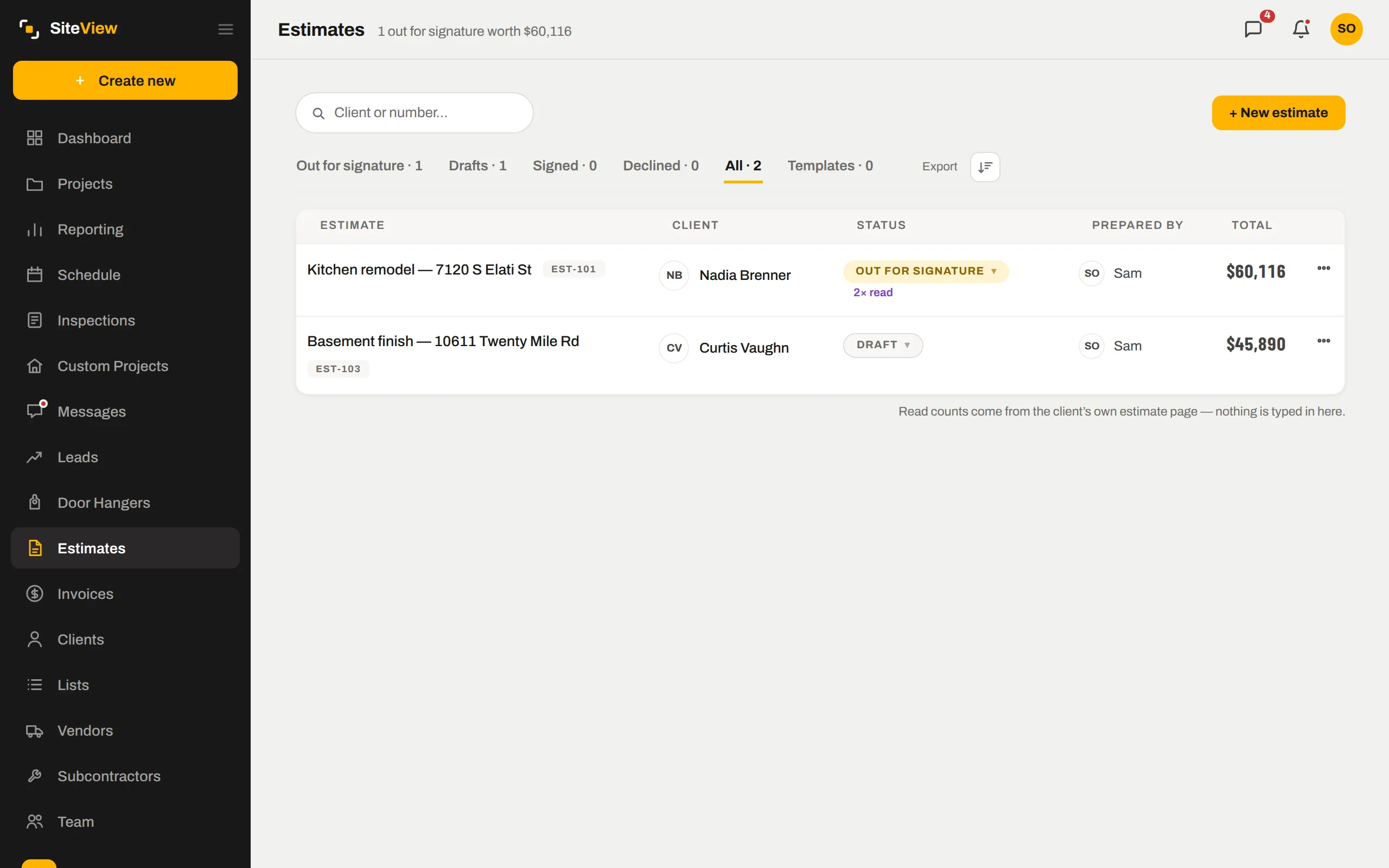
- Read counts come from their own page — "viewed 2× today" is a fact
- Questions come back into the Messages thread, not a lost email
- Expires on a date you set, so old numbers never get signed
The signature creates the job.
They type their name, it is signed. Convert it and SiteView makes the client, the project and the deposit invoice from the same lines — nothing retyped, nothing missed. The lead stays a lead until money is in, which is when it should become a client.
- Signed copy kept on the record with their name, signature and the exact time
- Deposit invoice with your draw schedule, ready to send
- Change orders later sign the same way and land against the same budget
Good, better, best — on one link.
Tiered proposals let the homeowner compare scopes side by side and pick one. Optional add-on lines let them say yes to the heated floor without a new estimate. Whatever they pick becomes the contract.
- Up to four options, each with its own lines and draw schedule
- Optional lines the client toggles on the page
- Your reviews and licence number on every estimate
The same record, further along.
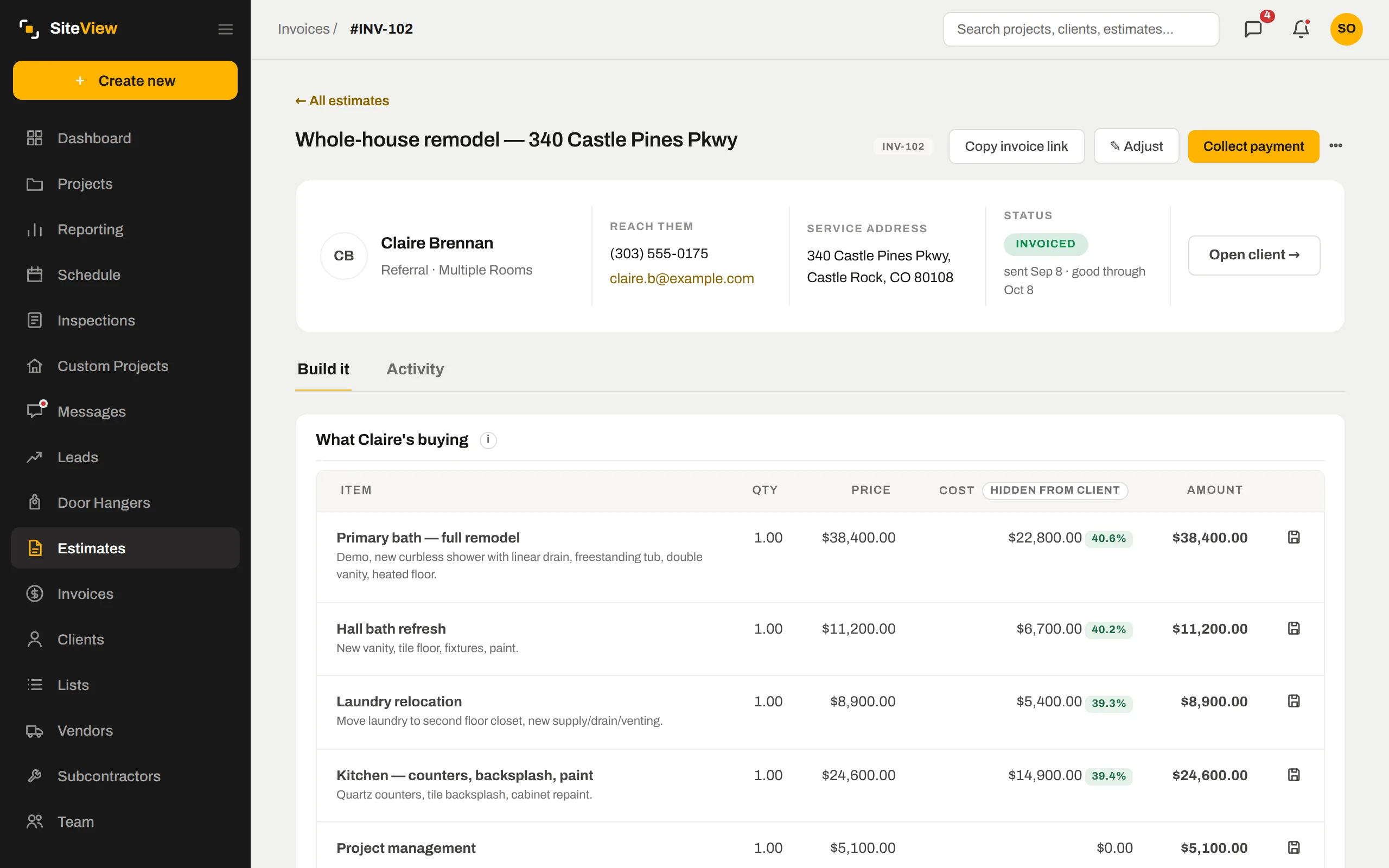
Nothing here is a separate module with its own copy of the data. Estimates & e-sign is one view of the job; these are the next ones.
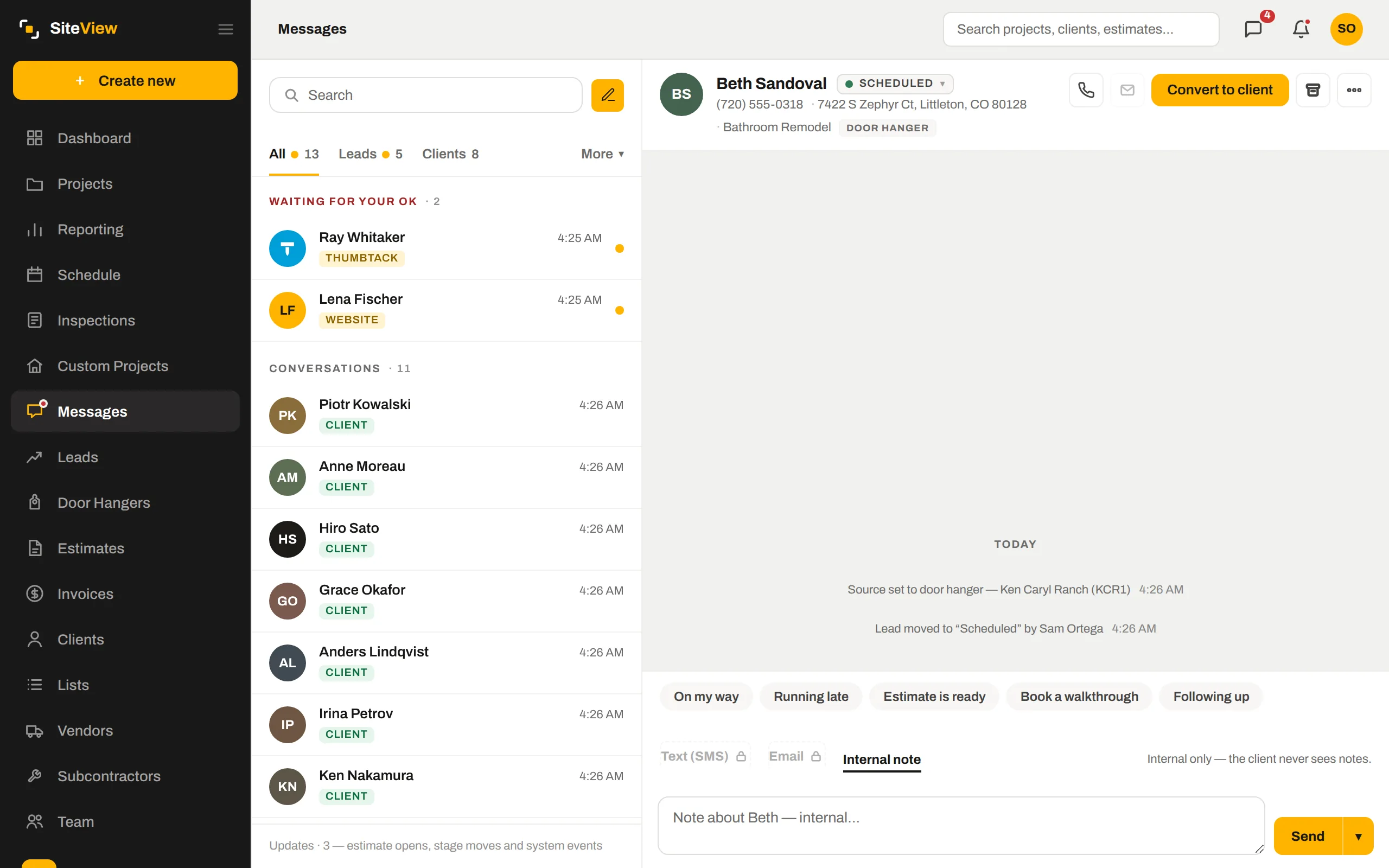
The estimate opens on the lead — their name, address and what they asked for are already there.
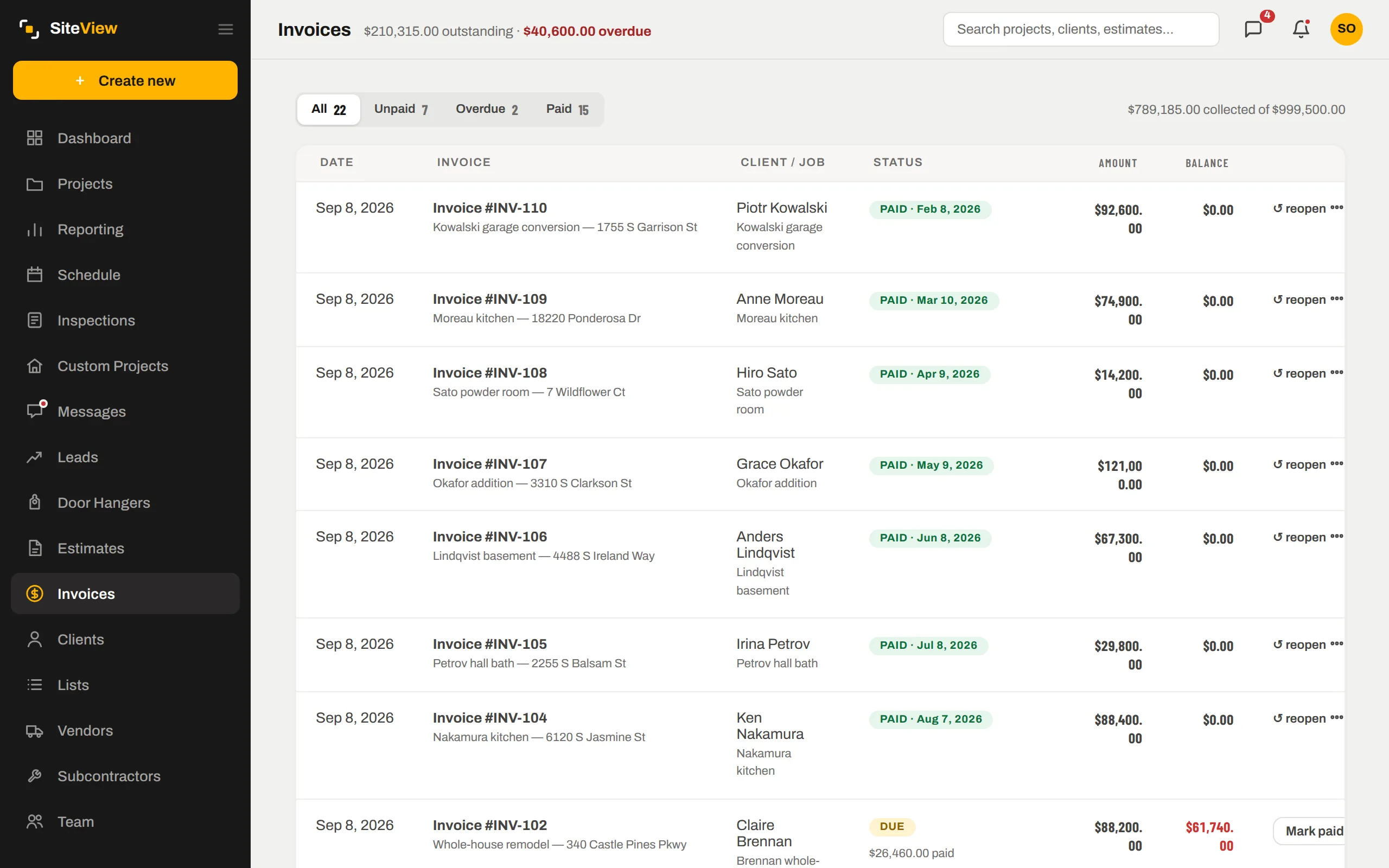
Signing produces the deposit invoice; every draw after it comes from the same schedule.
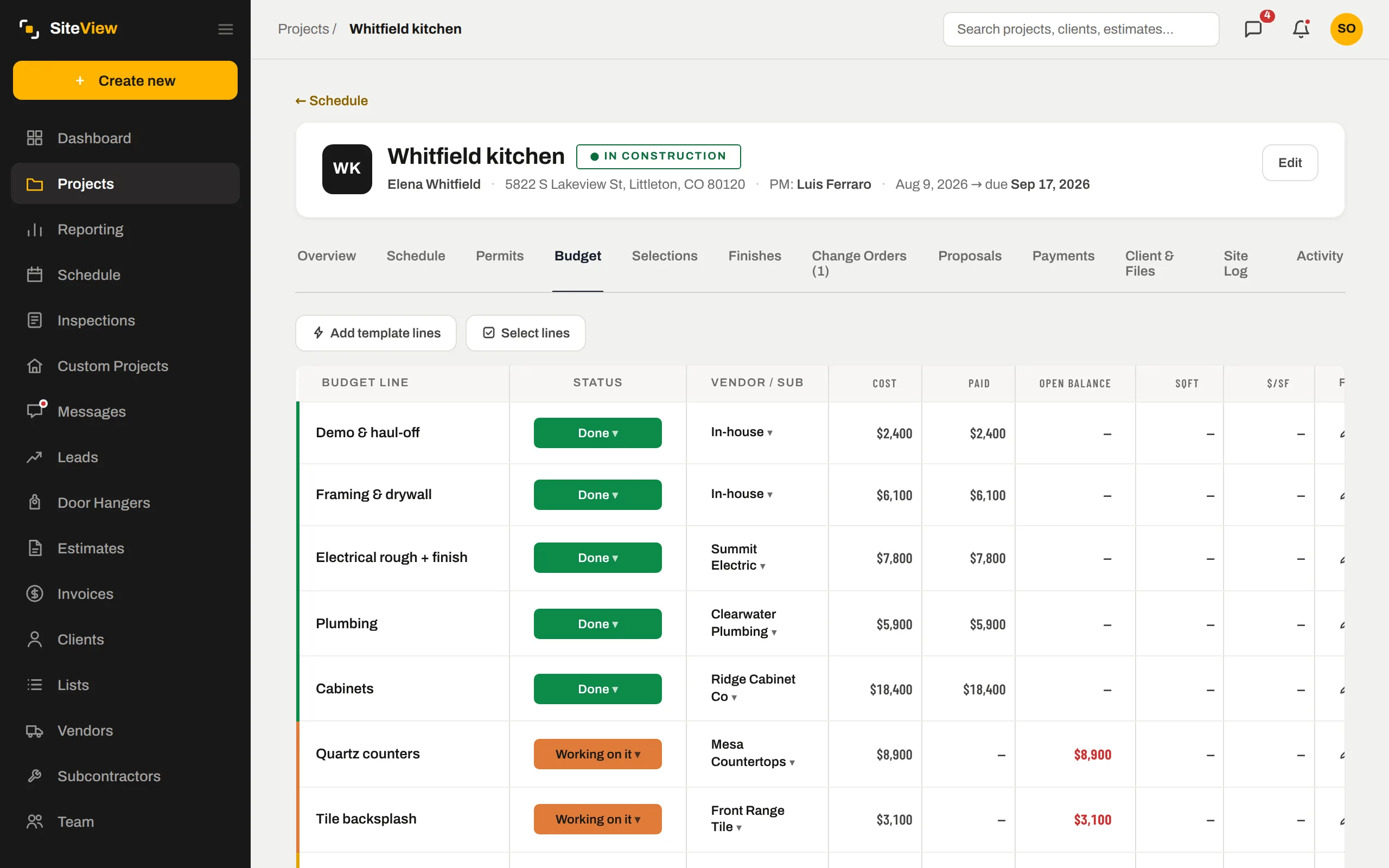
The line costs you priced with become the job budget the moment it converts.
Straight answers.
Is the e-signature legally binding?+
Can the client see my costs?+
Do estimates work for change orders?+
Can I offer financing?+
Put one of your own jobs through it.
Free for 7 days. We set the company up with you, load the first job together, and you judge it with your numbers — not a demo's.
7 days free. Card on file, nothing charged until day 8. $250 a month after — cancel any time.